01
Paste JSON
Bring in API responses, config files, or sample payloads.
Paste JSON, format it, explore nested data, compare changes, and turn repeated edits into reusable pipelines.
Start in your browser, work with sample or local JSON, and move into the full demo when you want tree navigation, comparison, and reusable transformation workflows.
No sign up required • Works in your browser
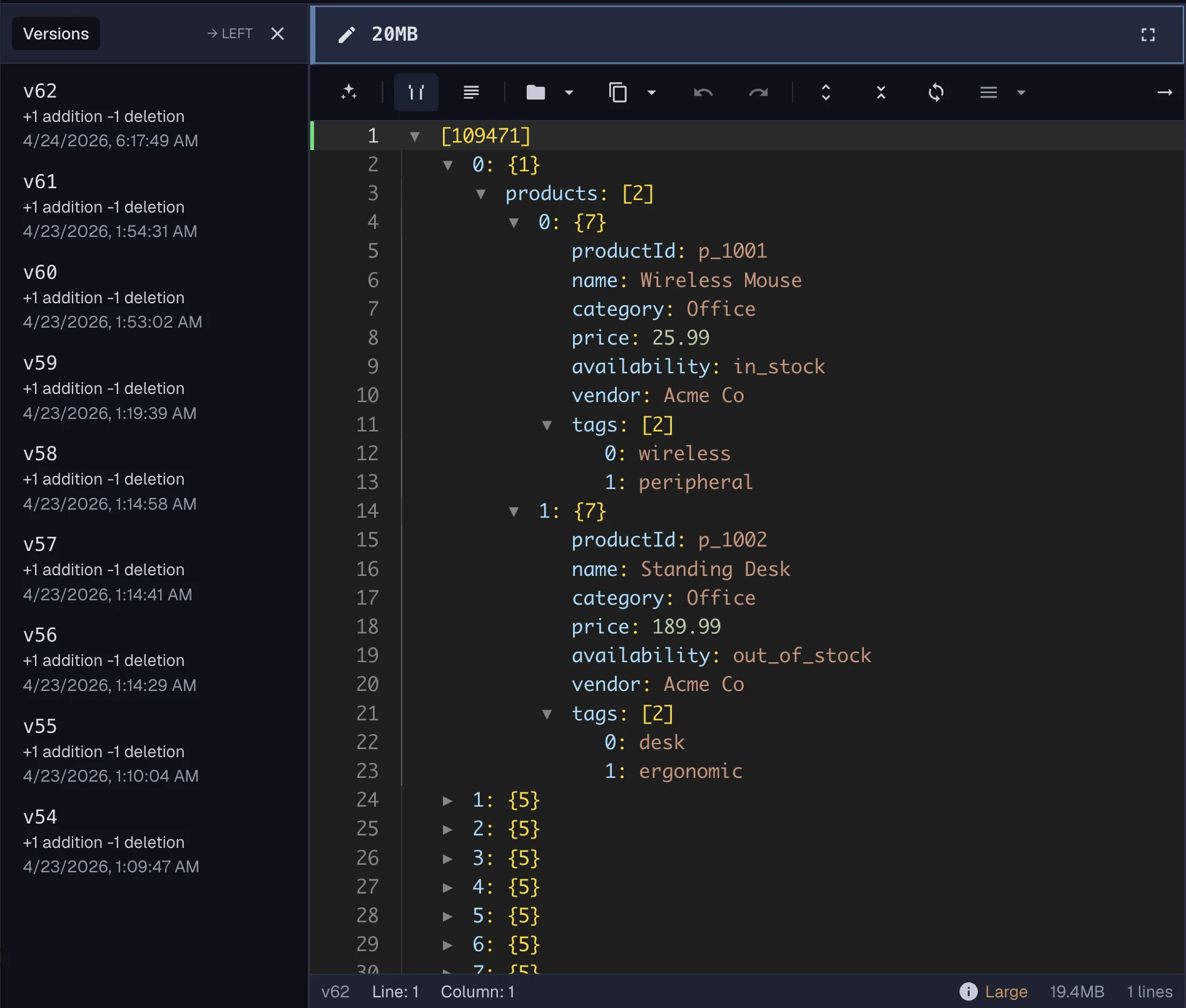
Edit JSON without signing up
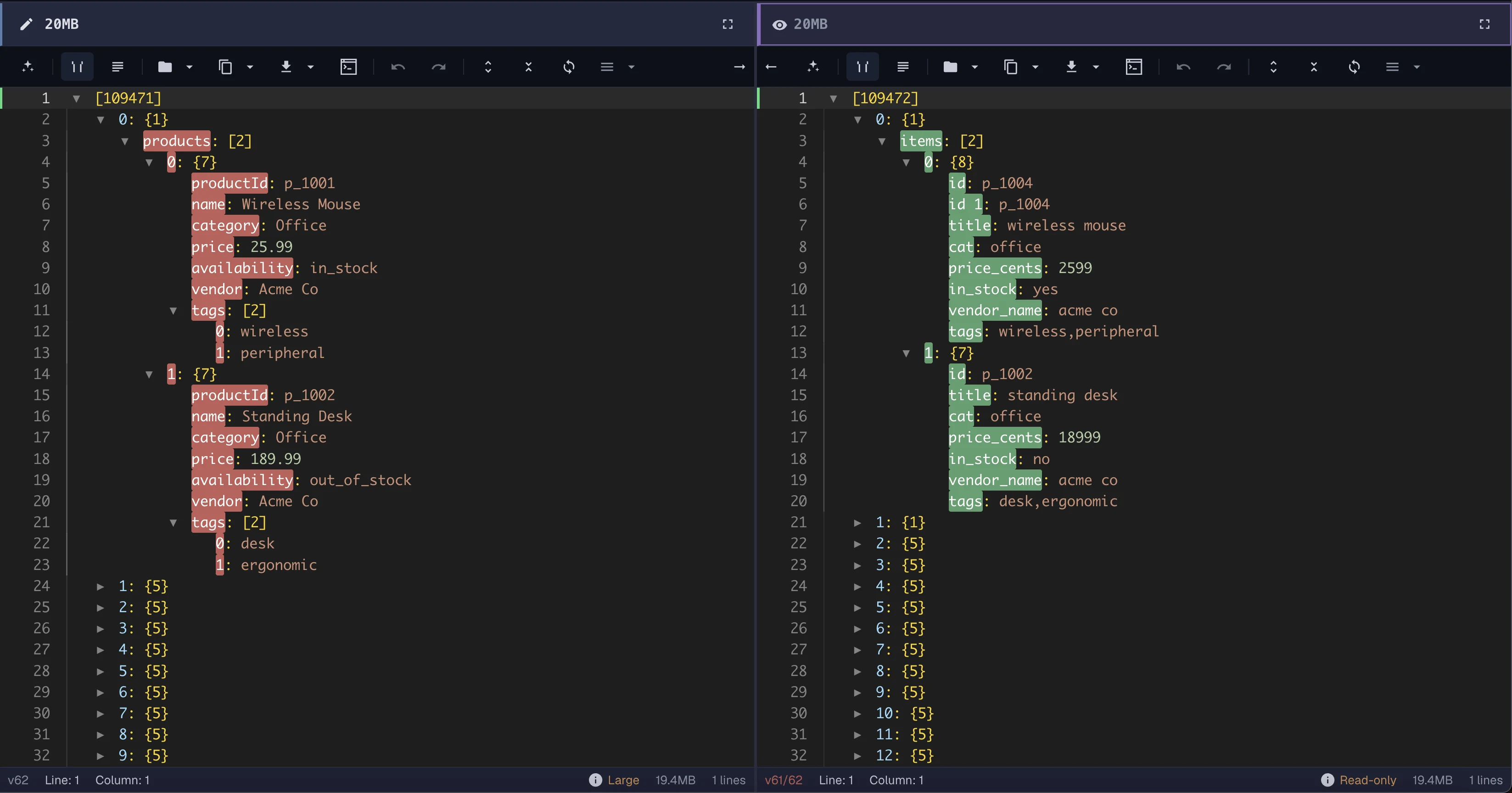
This is a preview of the compare view. Open the live editor to try it with your own JSON — no sign-up, nothing is stored, and your data stays in your browser.
No sign up required • Works in your browser
How it works
01
Bring in API responses, config files, or sample payloads.
02
Clean indentation and catch issues before you keep editing.
03
Review changes side by side or apply repeatable cleanup steps.
04
Move into the full demo when you want deeper editing and workflow control.
What you can do
ForgeJSON helps you format JSON, inspect structure, compare changes, transform data, and create reusable pipelines without bouncing between scripts and temporary tools.
Quickly format compact payloads, catch broken syntax, and make nested data easier to read before you ship or share it.
Move through objects, arrays, and deeply nested fields without losing track of structure or important keys.
Review what changed between versions before exporting, sharing, or applying the same cleanup steps again.
Turn repeated cleanup, normalization, and transformation steps into repeatable JSON workflows.
Why ForgeJSON
Use ForgeJSON when you need more than indentation. Explore structure, review diffs, transform payloads, and keep repeated edits consistent across similar documents.
No sign up required • Works in your browser
Common workflows
Use ForgeJSON to inspect payloads from apps, automations, AI tools, and exports before they move into production or downstream analytics.
Format unstable API payloads, inspect nested objects, and verify that fields look correct before passing data downstream.
Validate incoming JSON, isolate broken fields, and compare payload revisions when events change unexpectedly.
Clean order payloads, align field names, and prepare repeated transformations for catalog or fulfillment workflows.
Inspect structure before flattening nested records so exports are easier to reason about and verify.
Check AI-generated or machine-produced JSON against a trusted version before saving or sharing results.
Browse large config objects, trace nested settings, and validate edits before they become production surprises.
Want more ideas before you jump in? Read JSON workflow guides on the ForgeJSON blog or compare plans on the pricing page.
Try ForgeJSON in your browser
Open the editor demo, explore transformations, and test cleanup workflows without creating an account.
No sign up required • Works in your browser
FAQ
A JSON editor helps you format, inspect, validate, and update JSON data without losing track of nested structure.
Yes. You can open the demo editor in your browser and work with sample or local JSON without creating an account first.
ForgeJSON is built for real editing workflows, including larger nested documents that are difficult to inspect in simple formatter tools.
Yes. ForgeJSON includes side-by-side editing and comparison workflows so you can review changes before exporting or sharing data.
Yes. ForgeJSON is designed for cleanup and transformation workflows, including preparing structured data for CSV-oriented exports.
No. Demo data stays in your browser and is not stored.